Count on it
How to check your blood glucose monitoring system with control solution
Control solution answers one question about your blood glucose monitoring system: are my meter, my strips and my technique reading correctly? It takes two minutes, and it is the quickest way to trust a result again.
What control solution is
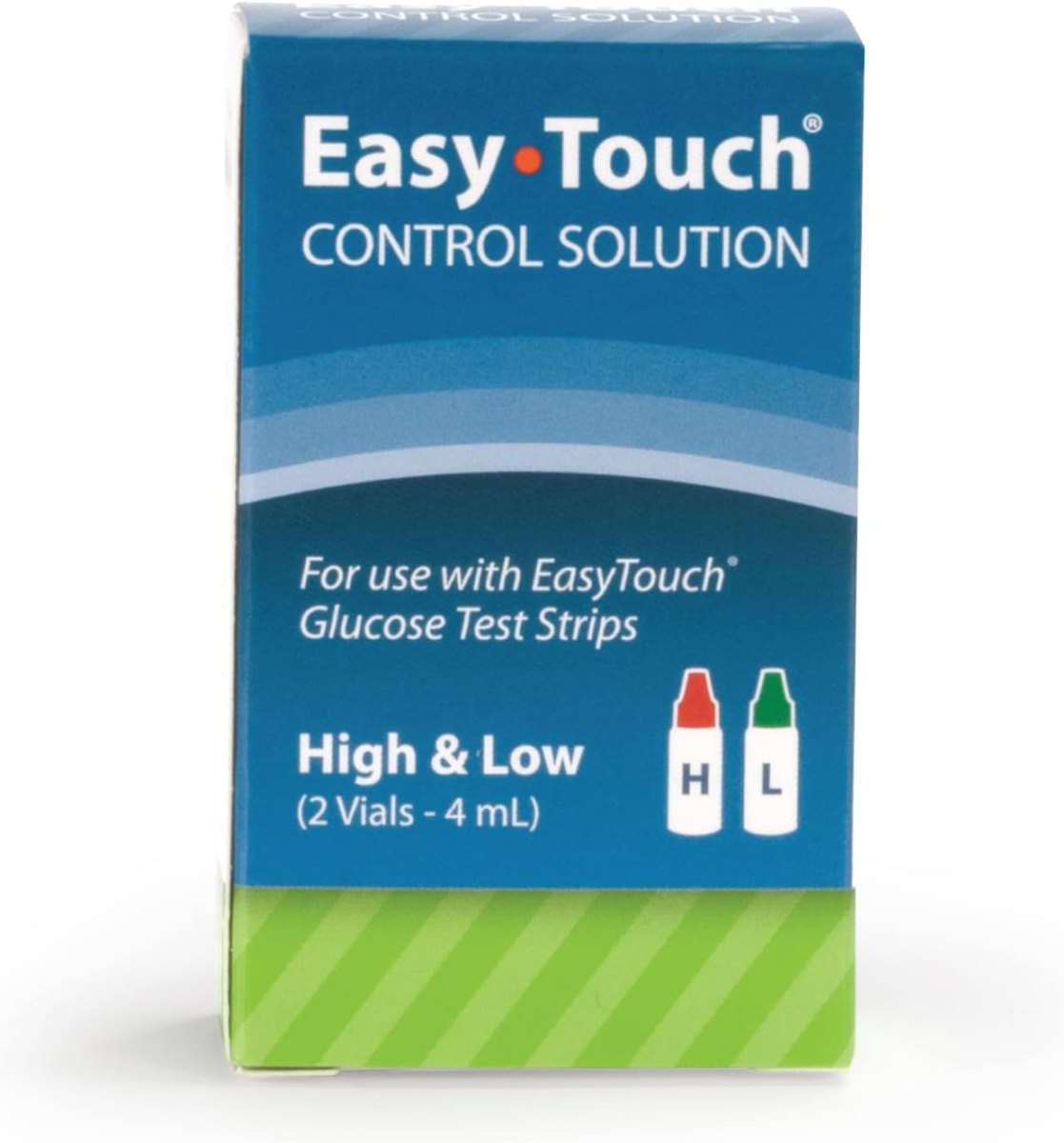
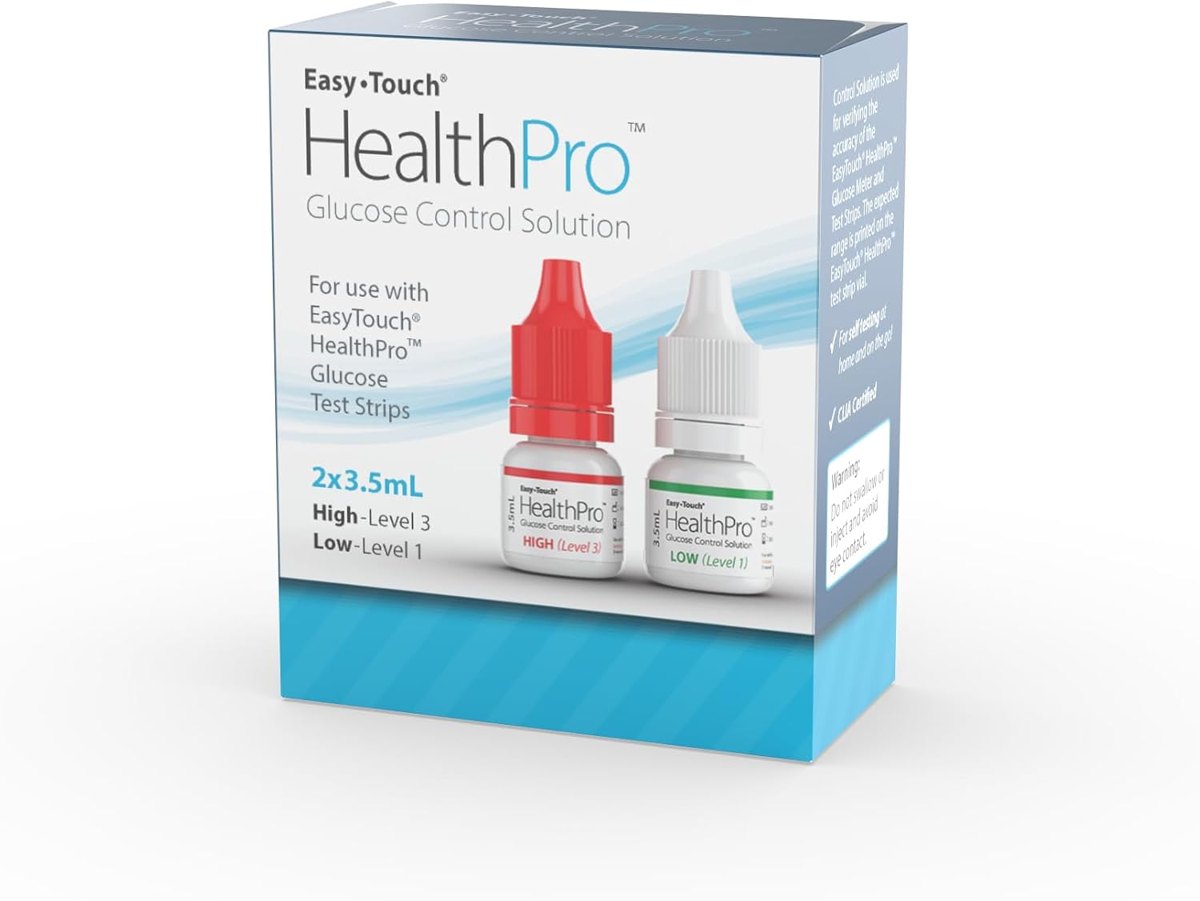
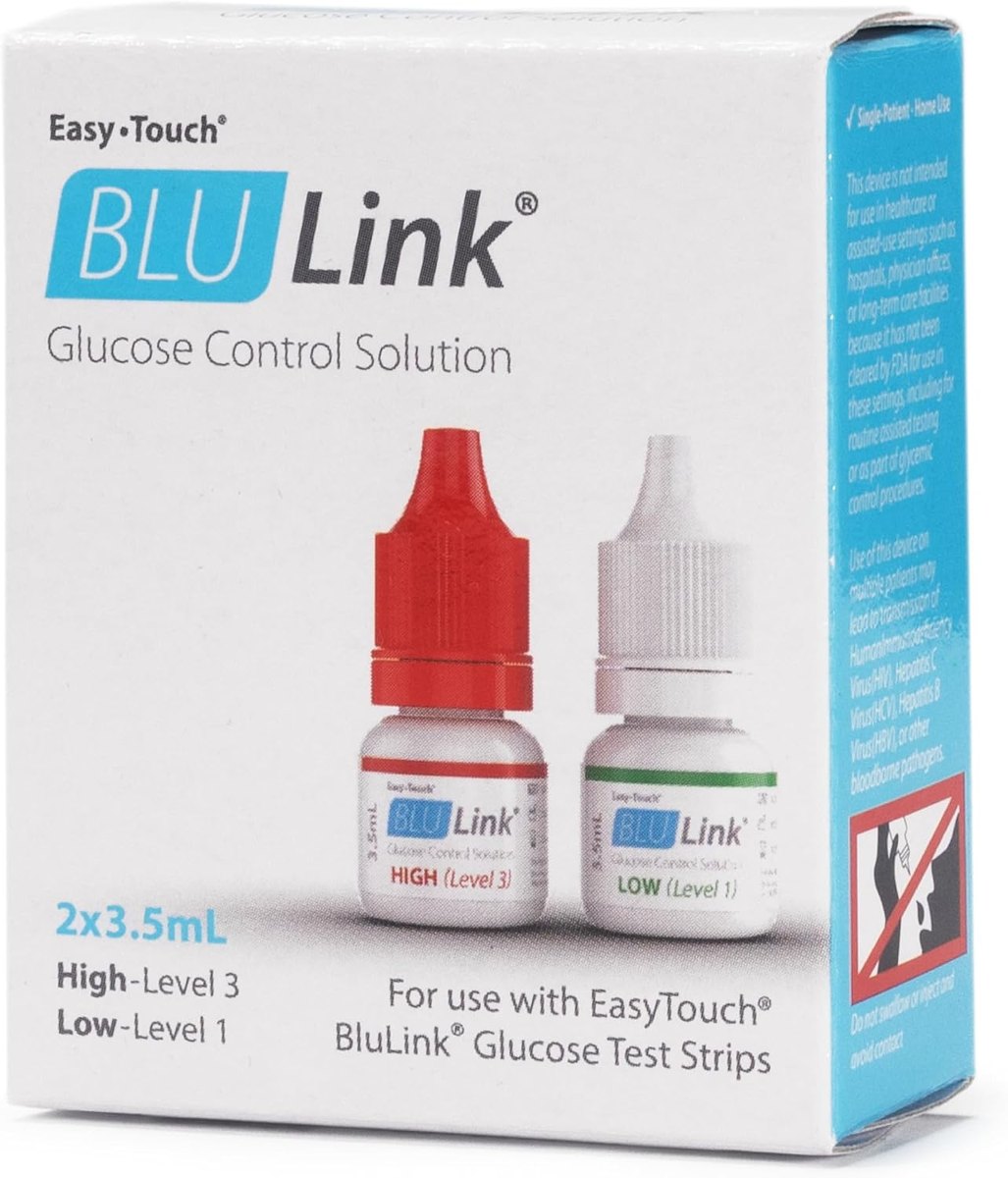
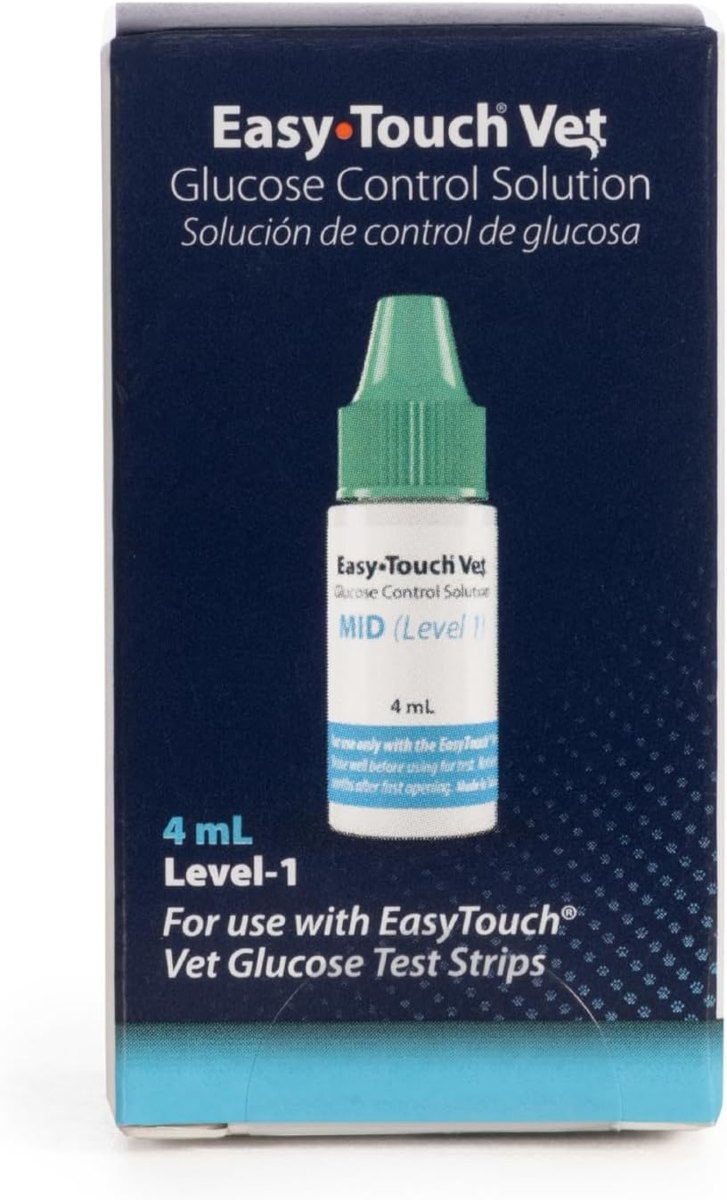
Control solution is a liquid with a known amount of glucose. You test it on a strip exactly as you would test a drop of blood, and the meter should show a number inside the range printed on your test strip vial. EasyTouch and HealthPro kits use a high (red cap) and low (green cap) pair; BluLink uses red (high) and white (low); the EasyTouch pet meter uses a single medium vial.
When to run a control test
- When you open a new vial of test strips
- After you drop the meter or leave it in heat or cold
- When a reading does not match how you feel
- When you are learning to test, to practice the technique
- About once a month as a routine check
Step by step
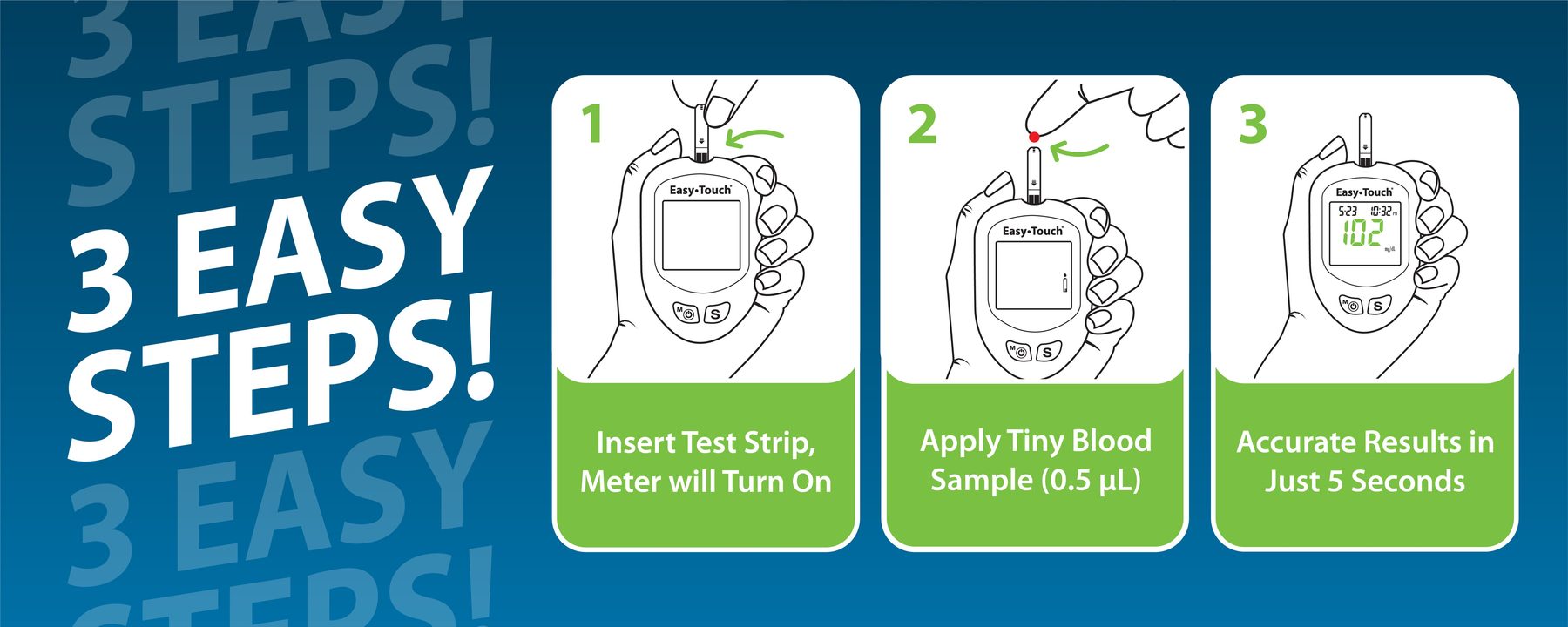
Bring the meter, strips and solution to room temperature, ideally 68 to 77 degrees F. Shake the bottle gently, discard the first drop, then put a drop on a clean, non-absorbent surface such as the bottle cap. Insert a strip, touch the end of the strip to the drop, and wait for the result. Compare it with the control range for that level printed on the strip vial, then repeat with the second level.
Some meters let you mark a test as a control result so it does not mix with your blood readings; check your meter's manual.
If the result is out of range
Repeat the test with a fresh strip. If it still misses, check the strip expiry date and whether the vial was left open, check the solution's opening date (control solution has a limited life once opened), and make sure you used the solution made for your meter. If the meter still fails, stop relying on it and contact the maker or replace it.
Control solution and your blood glucose monitoring system
A blood glucose monitoring system is only as good as its last check. Control solution lets you confirm the glucose meter and test strips read correctly before you rely on them to manage diabetes. People who check blood sugar several times a day, or who adjust insulin based on readings, benefit most from a regular check, and many healthcare providers suggest it whenever a new box of strips is opened.
If you use a continuous glucose monitoring (CGM) device, your meter is the backup when a sensor reading looks wrong, so keep it ready with a recent control check. Follow the instructions for your system, store strips and solution properly, and consult your provider if readings and symptoms keep disagreeing.
Why accuracy matters for blood glucose monitoring
People with diabetes use blood glucose readings to make daily care decisions: how much insulin to take, whether to eat before driving, how to treat a low. A meter that reads high could hide hypoglycemia; one that reads low could lead to too much insulin. That is why every blood glucose monitoring system, from the EasyTouch meter to the connected BluLink, has its own control solution and a printed range for each vial of strips.
Glucose levels in blood change through the day, and a good monitoring device keeps that data honest. Use the app or logbook to note control results next to your readings, and bring the data to your healthcare provider. If your meter fails a control test twice with fresh strips, replace it before you rely on it to manage blood sugar.
This guide explains products and general practice. It is not medical or veterinary advice.